

Feeling like you need a degree in rocket science just to show up in local search results? You’re not alone. Most local SEO advice feels like a part-time job, but here’s the good news: you don’t need a big overhaul. You need fifteen minutes a week. That’s it. A simple, repeatable routine for your google business profile for local seo can quietly outperform most technical tweaks you’ll ever try. This isn’t a strategy essay. It’s a practical habit you can start today. We’ll walk through a weekly reset that covers the stuff that actually moves the needle. You’ll learn why fifteen minutes beats a one-time overhaul, what to set up before you start, and how to break down the routine minute by minute. We’ll cover replying to reviews, publishing a post, adding fresh photos, checking hours and services, and working the Q&A before someone else does. We’ll also flag the quiet mistakes that undo all your effort and explain where your profile ends and your website begins. No jargon, no overwhelm. Just a simple habit that keeps your profile working while you get back to running your business.
Why 15 Minutes a Week Beats One Big Local SEO Overhaul

You’ve probably noticed it yourself: for many local searches, your Google Business Profile shows up before your website does. What it shows matters as much as your homepage copy.
So set expectations honestly: track what you actually control, like calls, direction requests, website clicks, and booked appointments. Rank position is never a guarantee.
Accuracy is a policy baseline, not a nice to have. Google asks that your profile reflect your business accurately, with an address or service area that’s accurate and precise.
Think of your profile as a shop window, not a billboard. It earns trust and taps week by week, and it quietly goes stale the moment you stop touching it. That maintenance mindset pairs well with choosing a website design company that won’t lock you in, since both are about steady upkeep rather than one big rebuild.
Before You Start: The One Time Setup That Makes the Routine Worth It
First, claim and verify your profile. Nothing else in this routine counts until you own the listing. Google automatically determines which verification options you’re offered, and you can’t swap one for another, so just follow the steps it gives you.
Next, keep exactly one profile per business. Google warns that duplicate profiles can cause problems with how your information displays on Maps and Search, so resist the urge to spin up a second listing for a new service or a rebrand (resolve duplicate profiles).
Choose the fewest categories it takes to describe your overall core business, then set your primary category carefully.
Set your business name exactly as it appears on your storefront, website, stationery, and as customers already know you. City names and search terms don’t belong in it. Write the description around services, products, mission, and history. Leave out links, promotional pricing, sales language, and misspellings, which Google’s content rules disallow. Finally, add your phone, email, and social handles. Google allows businesses to share their own contact details in the profile, posts, and review responses.
The Weekly Routine: How 15 Minutes Breaks Down
With the setup done, here is how the fifteen minutes actually fills. Do the tasks in this order, fastest and highest impact first: reply to new reviews, publish one post, add a fresh photo, check hours and services, then work the Q&A section.
Batch it. Put a recurring 15 minute block on your calendar, same day each week. Pick a quiet morning over a rushed Friday afternoon.
Before you change anything, open the performance panel and glance at last week’s calls, direction requests, and website clicks. Weekly numbers are noisy, so compare trends, not single days.
Think of this as maintenance, not a campaign. The goal is a profile that stays current and clickable, not a one week spike you abandon.
Finally, keep a running note on your phone for photo ideas, customer questions, and services to add, so the block is spent doing the work, not deciding what to do.
Minutes 1 to 3: Answer Every New Review
First up: the review queue. Reply to every new review, not just the five-star ones. A short, specific note naming the service and thanking the customer reads like a real person paying attention.
For a critical review, keep it to two or three sentences. Acknowledge what happened, say what you’ll do differently, and offer a direct way to continue the conversation. Google allows your own phone and email in the response.
Use plain language a future customer would recognize, including the service and your area. Reviews and replies are visible to everyone who finds you.
Aim to reply quickly and keep fresh reviews coming in at a steady pace. Treat that as a recommendation, not a rule. Never buy reviews. The FTC has a final rule banning fake reviews and testimonials, so keep it honest.
Ask at the natural moment, right after a job is finished. Send a short text or email with your profile link so it stays a two-tap job.
Minutes 4 to 6: Publish One Post That Answers a Real Question
Reviews handled? Good. On to the next three minutes.
Open a note on your phone and jot down something a customer actually asked you this week. A service question, a seasonal reminder, or what to expect on a first visit. That becomes your post.
Keep it short: a sentence or two plus one clear next step. Google’s content rules steer you away from links, promotional pricing, and sales language in profile content, so leave the discount and the URL out. Let the call to action button carry the click.
A simple rotation keeps this from feeling like homework: week one a service explainer, week two a behind the scenes photo, week three a seasonal tip.
Aim for one post a week. Treat posting as an engagement and click through driver rather than a ranking factor, so the goal is giving people a reason to tap over, not chasing position.
One last check: make sure those call, book, or learn more buttons point to a page or number you actually maintain and update. Next up, photos.
Minutes 7 to 9: Add One or Two Fresh Photos
Once your post is up, use minutes 7 through 9 for photos. Add one or two a week instead of dumping thirty at once. A steady trickle looks more active than a burst that goes quiet. Over the month, rotate: exterior so people recognize the building, team at work, a finished job, and a close-up of your product or service. Shoot with your phone in daylight. Google recommends square 720 x 720, so frame a little wide and crop before uploading. Keep files small. Skip stock photos. Real shots of your actual location help people decide to visit. Update your logo and cover photo whenever your branding changes, and delete images that no longer match, like old signage or a vehicle you no longer drive. In the customer photos area, thank people who tag you. Next up: the quick details check.
Minutes 10 to 12: Check Hours, Services, and Contact Details
While you are in the dashboard after uploading those photos, spend a couple of minutes on the details that quietly send people to the wrong place.
Read your hours out loud once a month. It sounds silly, but it catches the seasonal leftovers, and update holiday hours before each holiday, not after.
Next, confirm your services list matches what you actually sell today. If it looks thin, add one service a week using the plain words customers search for, not internal jargon.
Then click your own links. Verify your phone number, website URL, and booking link still resolve correctly, because a dead booking link wastes every click the profile earns.
Check that your address or service area is still accurate and precise, as Google requires, especially if you have moved, added a second van, or widened your travel radius.
Finally, keep the same name, address, and phone details consistent across your website and anywhere else you show up, which the section below digs into.
Minutes 13 to 15: Work the Q&A Before Someone Else Does
And if the Q&A tab is missing, that’s not a glitch. Google has been phasing it out, with an official announcement in December 2025 confirming questions in Maps now get instant answers based on owner responses and reviews, and some markets have since lost the section entirely.
If it’s still live for you, check it weekly. Answer existing questions in a sentence or two, and while older advice suggested posting your own questions to seed parking, price ranges, what to bring, job timing, and walk-ins, treat that as a grey area now that owner-posted questions have been flagged as a conflict of interest. Stick to factual, short answers with no sales pitch, and point people to the contact options already in your profile.
Those same questions belong in a FAQ on your website. They’re also a useful gut check if you ever hire out website design or development: a site that answers them clearly does half your profile’s job for it.
The Quiet Mistakes That Undo the Routine
With Q&A handled, one last cleanup. You’ve already met these rules once in the setup, so here they are as a checklist. Each one can quietly cancel out the work you just did:
- Real name, one profile. You set both up at the start, so don’t drift from them now.
- Forgotten hours. Last year’s seasonal hours are still wrong hours. Update them before holidays or you will send customers away.
- Copy-paste review replies. Generic replies get noticed. Write a short, specific response each time so the goodwill actually lands.
Fix one this week, then make sure your website backs up the profile.
Where Your Profile Ends and Your Website Begins
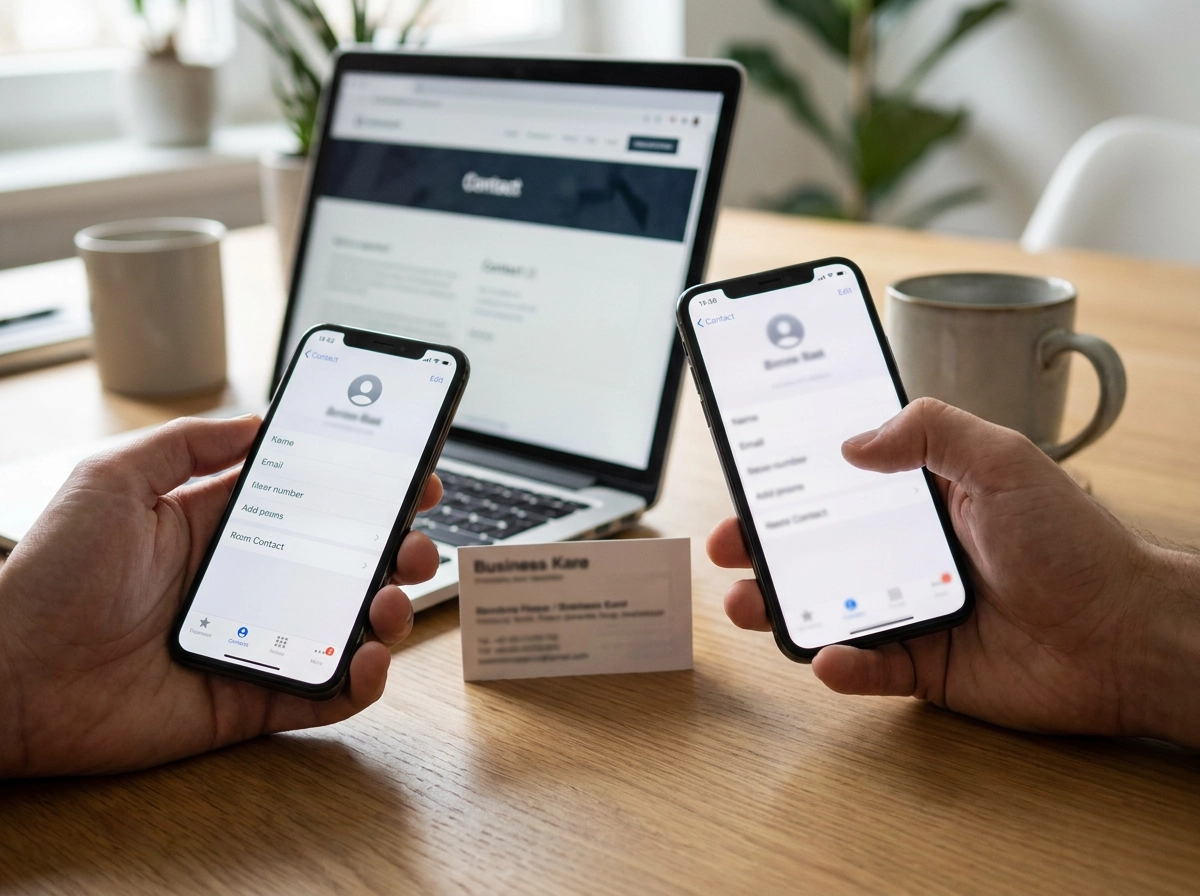
Once your profile is cleaned up, the next move is making sure your website tells the same story.
Start with the basics. The name, address, and phone number on your site should match your profile exactly. A mismatch is easy for a customer to trip over and just as easy for Google to notice. Then give each service listed on your profile its own page. The profile earns the click, but the page has to earn the inquiry. Keep the site fast and mobile friendly too, since a slow page quietly undoes the click your profile just worked for.
If your website is due for work, this is where a designer who also handles technical and on-page SEO can help. Matching business details, clear service pages, page speed, and clean structure all support the profile rather than competing with it. You can see how design changes turn into real results on live projects.
Think of it as one system, not two chores. The profile starts the conversation, and the website finishes it.
Your First Week Starts With One Review Reply
The routine only works if you actually start it, so keep week one almost embarrassingly small. Log in, answer any reviews that are waiting, and close the tab. That’s it. Fifteen minutes is the whole commitment.
Then add one task per week over the next month until the full loop feels automatic:
- Reviews only
- One post
- Fresh photos
- A details check
- The Q&A section
All of it fits inside the recurring weekly block and running note you already set up in the routine above.
How to Know It’s Working
Judge it by the same panel numbers you check each week, and let rank position go.
Underneath all of it sit two non negotiables. Keep the profile accurate, and keep the details consistent with your website. Those are the parts Google actually asks for, and everything else builds on them.
Conclusion
The 15-minute weekly routine is less about doing more and more about showing up consistently. Keep these four takeaways in mind:
- Small, steady actions beat one big local SEO overhaul.
- Answer reviews, publish one helpful post, add fresh photos, check details, and work the Q&A.
- Accuracy and consistency with your website are the non negotiables.
- Judge success by calls, direction requests, and website clicks, not rank position.
Your next step is the week one move from above: start with one reply. If you want your profile and website working as one smooth system, that’s where Halle Rae Designs comes in. Stay consistent, and let the routine do the heavy lifting over time.